


Turning a mobile web app into a native Android app
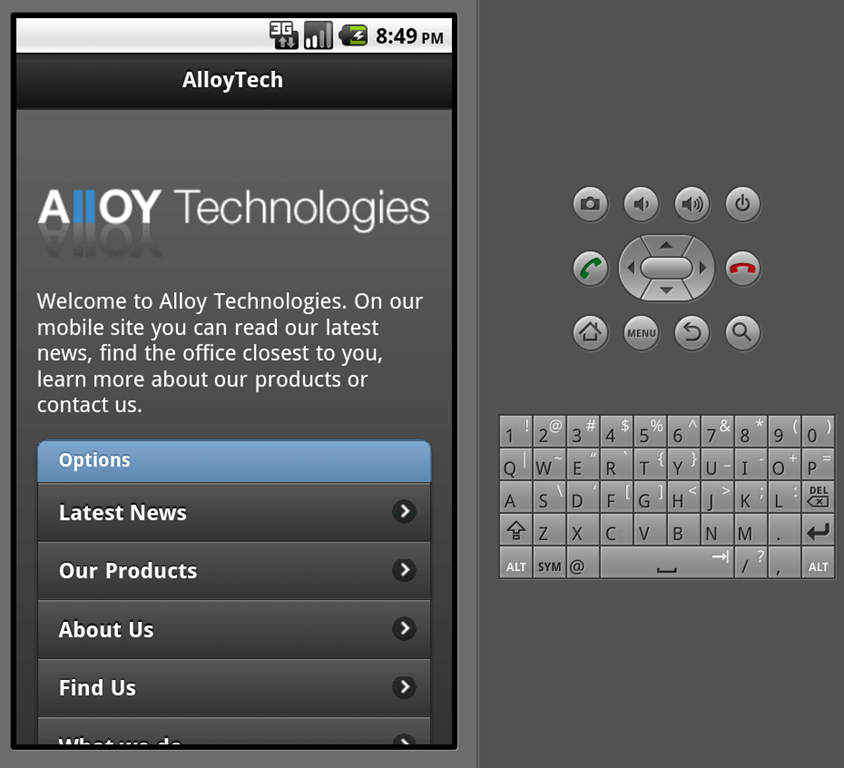
As some of you maybe have read I made a little one-size-fits-all Mobile Web App template site using jQuery Mobile a little while ago. I put up a demo on my new little virtual test-server (thank you, Everweb).
Mobile Web Apps (and especially jQuery Mobile) are really cool – they look great on many devices, they have the feel of a real app – and you can actually do quite a lot with them. But I still wasn’t completely satisfied. I wanted permanent icon-real-estate on my HTC Desire Android phone – and I didn’t want an address bar in the top of my page that could entice a weak mind to go elsewhere. And also – apps are cool 
You can try my app if you have an Android device. Just point it to http://demo.ath.episerver.com and select the page that lets you download a native app.
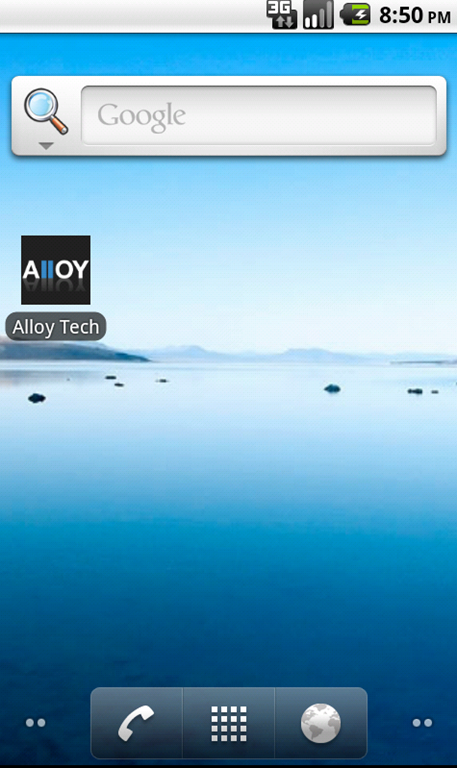
This is how I did it:
Naturally I considered Titanium, PhoneGap, myWidz and other App providers – but in the end, I figured I might as well jump in with both feet and figure out how to do it ‘for real’. Based on some vague university memories of java I figured this would be a walk in the park. And it turns out it was! Google has done a lot of work making it pretty easy to learn how to build your own Android apps from scratch. This is what I did:
- Followed this guide to get my development environment set up. JDK, Eclipse Classic, Android SDK, Android developer tools (ADT) + defining Android SDK location in Eclipse. I also configured a virtual device (aka emulator) so I could easily debug.
- Started a new android project. Setup my desired project names, package names, etc. I’m still trying to get used to this weird java-thing where namespaces are domain names in reverse…really – what’s up with that? Seems there is a geek-joke here I’m not getting.
- In “res\layout” the default layout is located, called “main.xml”. I changed it so it looked like this:
- In my main activity (the only activity) java file I defined the activity like this:
Note: Activity is basically the controller for every “mode”.public class AlloyTech extends Activity {
@Override
public void onCreate(Bundle savedInstanceState) {
super.onCreate(savedInstanceState);//Remove title bar as we already have it in the web appthis.requestWindowFeature(Window.FEATURE_NO_TITLE);//Point to the content view defined in XMLsetContentView(R.layout.main);
//Configure the webview setup in the xml layoutWebView myWebView = (WebView) findViewById(R.id.webview);
WebSettings webSettings = myWebView.getSettings();
//Yes, we want javascript, pls.webSettings.setJavaScriptEnabled(true);
//Make sure links in the webview is handled by the webview and not sent to a full browsermyWebView.setWebViewClient(new WebViewClient());//And let the fun beginmyWebView.loadUrl("http://demo.ath.episerver.com");}
}
- Then I put in a tag in the manifest stating that this app will need to access the INTERNET: <uses-permission android:name="android.permission.INTERNET"></uses-permission>
- Finally I just had to replace a the icons (in 3 different sizes – 72x72, 48x48 and 36x36), change some names and a few settings in the manifest and use the Export wizard to make me an APK (Android Package) signed and all.
<?xml version="1.0" encoding="utf-8"?>
<WebView xmlns:android="http://schemas.android.com/apk/res/android"
android:id="@+id/webview"
android:layout_width="fill_parent"
android:layout_height="fill_parent"
android:scrollbars="none"/>
While I as developing I of course debugged – first just by running on the emulator, later by connecting my phone with a USB cable (and USB Debugging turned on) – which will let you deploy directly to the phone.
Last thing I had to do was of course to make the APK available to anybody wanting to try this. I figured I’d do this by letting people download it when they were browsing my mobile web app with an android device. So, I created a visitor group to identify Android users, checked the box to make sure it could be used for permissions, created a download page – and ensured that only people in the Android Users visitor group had permission to see that page…And voila!

Comments