

Changes to the release process
As you all probably know, we have been using a continuous release process at Episerver for a number of years, where we release NuGet packages almost every week. This process has been quite manual and taken a lot of time. We will continue releasing as often as before, but to streamline the process and improve the release information, we are now implementing a number of changes going forward:
- Packages (if any) are published to the NuGet feed once a week (on Tuesdays).
- New features and bug fixes will be displayed in the release notes feed as soon as they are in test. The status will be 'Soon to be released'. As soon as they are released, this status changes into a release date.
- The release date in the release notes feed is set to the date when the NuGet packages are published on the NuGet feed. (Previously, the release date was set to the date when the development team finalized the release, which may not have been the same day as the packages were made publicly available.)
- We have improved the release notes feed and added new filters. With these, you can filter on product, version, item type, and specific dates or date ranges. The item type filter now includes all bugs, critical bugs only, all features, and user interface features only.
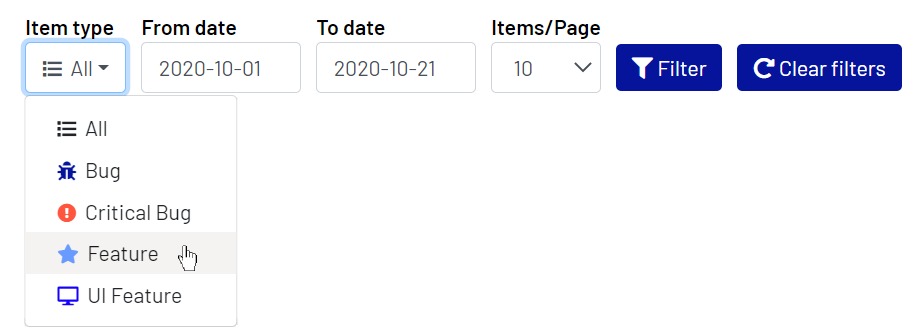
- Bug. This filter displays all bug fixes, both those that have been set as 'critical' and those with a lower priority.
- Critical Bug. This filter displays only bug fixes that are set as 'critical'.
- Feature. This filter displays both UI features and features that are performance improvements and such.
- UI Feature. This filter displays only those features that somehow affect the user interface.
- Previously, we have manually put together a quarterly feature list (a list of all features that have been released within the last three months) and a UI feature list (a list with all new user interface features). These lists will no longer be maintained. Instead, you can use the filters in the release notes feed and create the different lists yourself based on your specific needs.
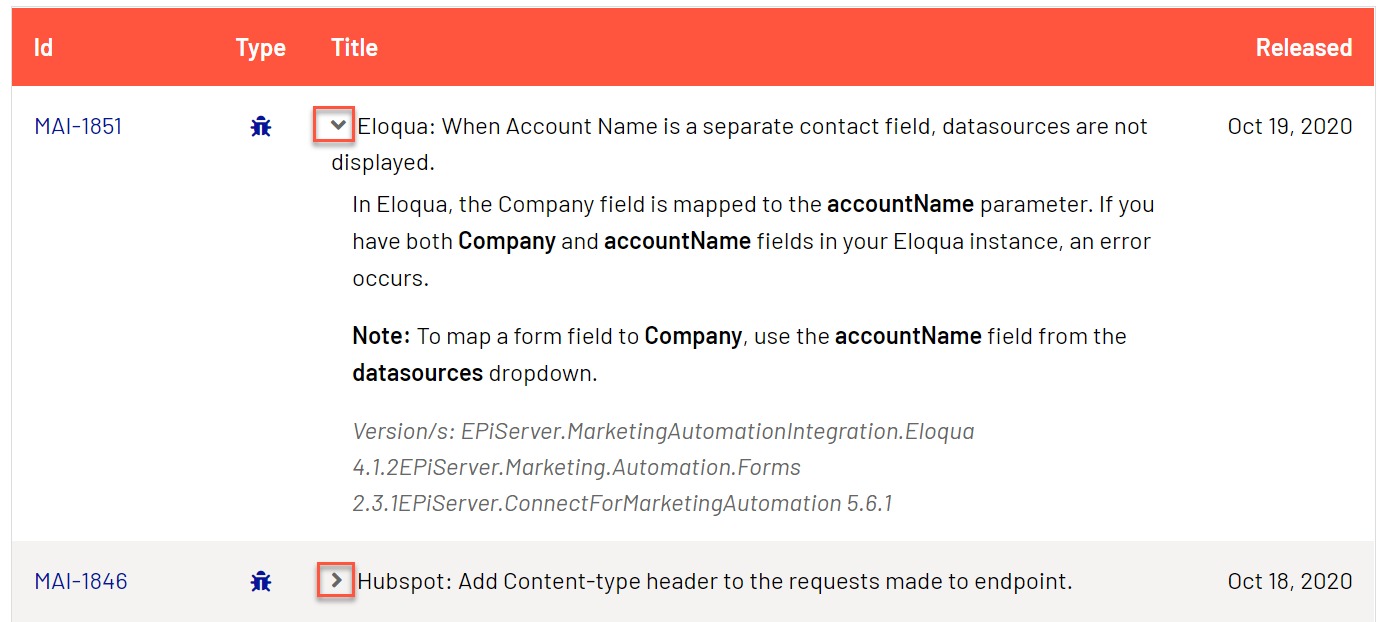
- The feature and bug fix descriptions are now available in expandable/collapsible sections in the release notes feed, so you no longer need to click on the ID and open a new page to see the more detailed descriptions.
We will continue to publish a weekly update containing information of the current week's published packages. This weekly update will be available from World’s start page as before.
Oct 22, 2020

Comments