search
AI OnAI Off
A critical vulnerability was discovered in React Server Components (Next.js). Our systems remain protected but we advise to update packages to newest version. Learn More.

If you are running on IIS Express, iisexpress.exe is what you are looking for. w3wp is whn you run the full IIS
Double check that your settings in the "Attach to Process" dialog are configured appropriately, and check that your Visual Studio instance has enough privellages - if running on Windows, run Visual Studio as Administrator.
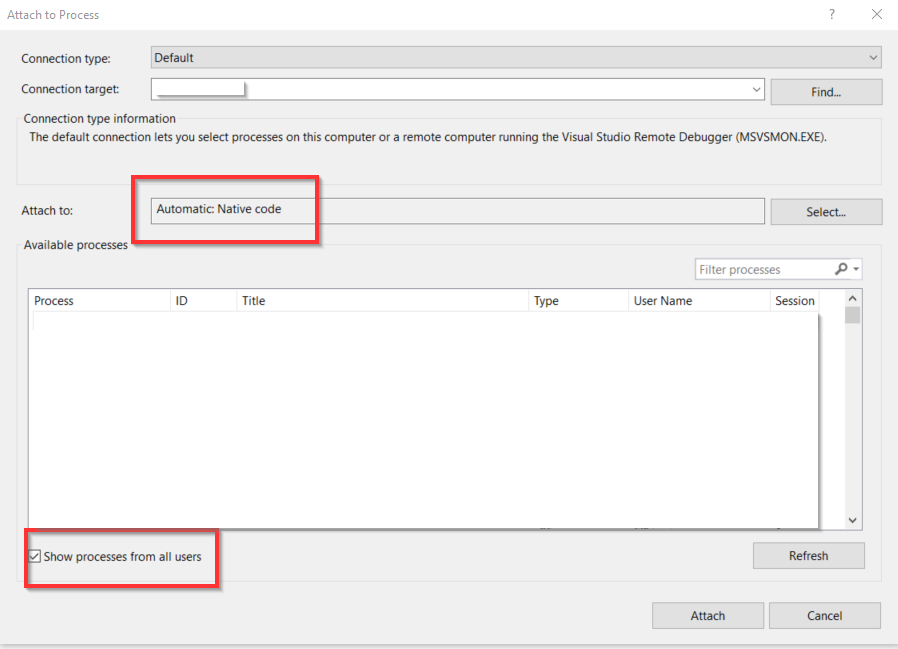
.. but this isn't specifically related to Optimizely CMS, so you should search Google/StackOverflow for a better answer, it's a very common question.
Thasnks but can't see iisexpress or w3wp here:
I run the vs in admin mode
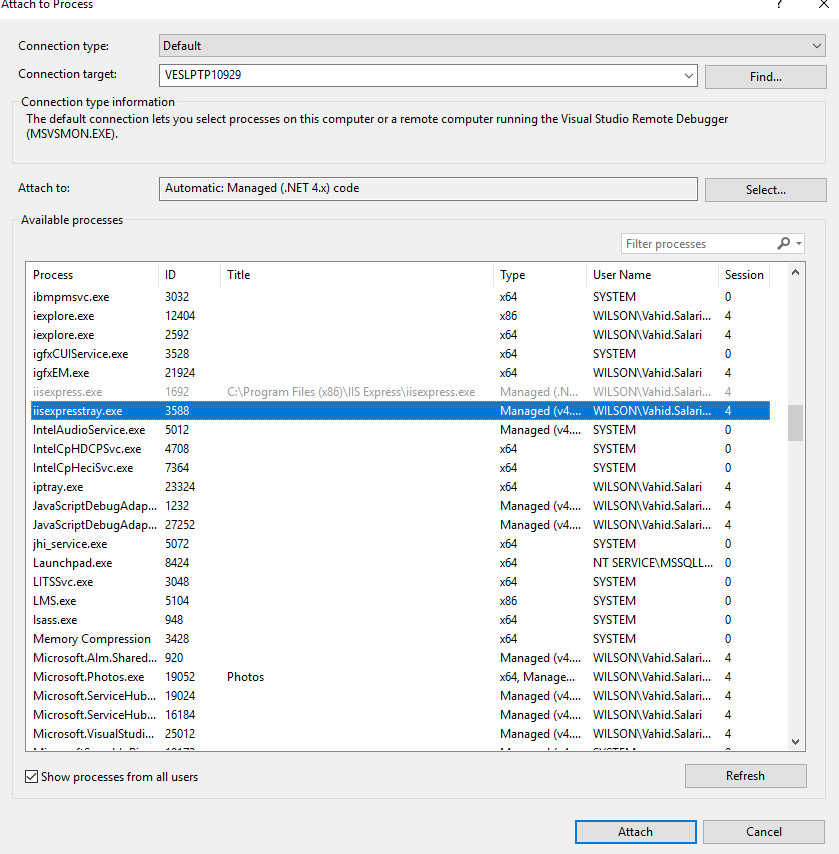

You can see iisexpress in the list. It is grey meaning it is alread attached to a debugger



w3wp.exe is not showing in Visual studio attach process. I'm running my project in Chrome(IIS express)