search
AI OnAI Off
A critical vulnerability was discovered in React Server Components (Next.js). Our systems remain protected but we advise to update packages to newest version. Learn More.

One idea could be some middleware like:
/// <summary>
/// Replaces the original login background image.
/// </summary>
public class LoginBackgroundMiddleware
{
    private readonly RequestDelegate _next;

    public LoginBackgroundMiddleware(RequestDelegate next)
    {
        _next = next;
    }

    public async Task InvokeAsync(HttpContext context)
    {
        if (context.Request.Path.StartsWithSegments("/Util/images/login/login-background-image.png"))
        {
            context.Response.Redirect("https://images.unsplash.com/photo-1509822929063-6b6cfc9b42f2");
        }
        else
        {
            await _next(context);
        }
    }
}
You'd add it to the Configure() method in Startup:
// Custom login background
app.UseMiddleware<LoginBackgroundMiddleware>();
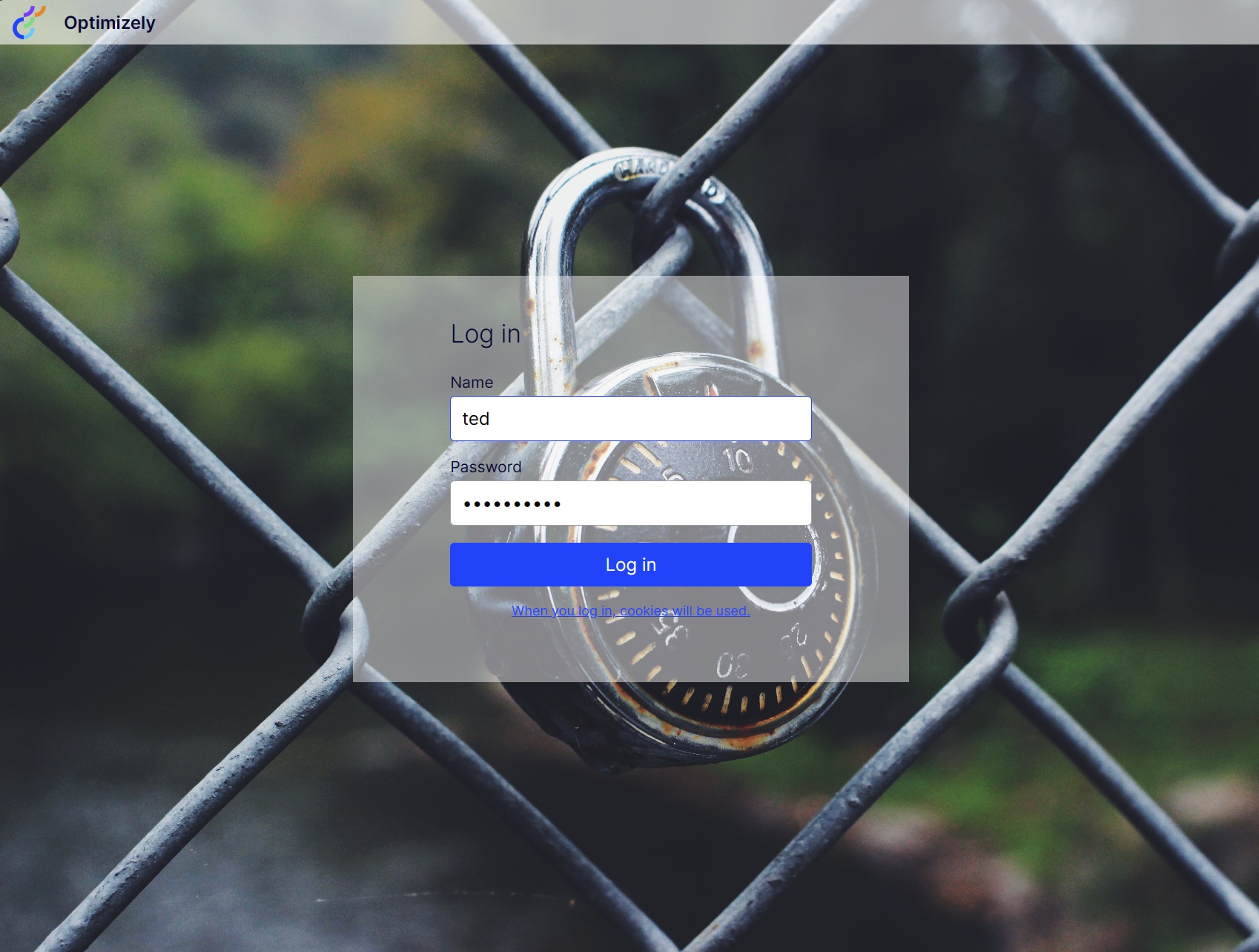
Final result:



Hi
Can you change the background image in EpiServer 12 like you can on 11 and prior?
On 11 and prior you could do it like described here: https://world.optimizely.com/blogs/jacob-pretorius/dates/2019/8/quick-episerver-custom-login-background/ but I can't find any information on how to do it on EpiServer 12.